Best Digital Signage Displays: 2025 Selection Guide
Compare commercial displays vs. consumer TVs for digital signage. Learn evaluation criteria, price tiers, and technology specs for your 2025 deployment.
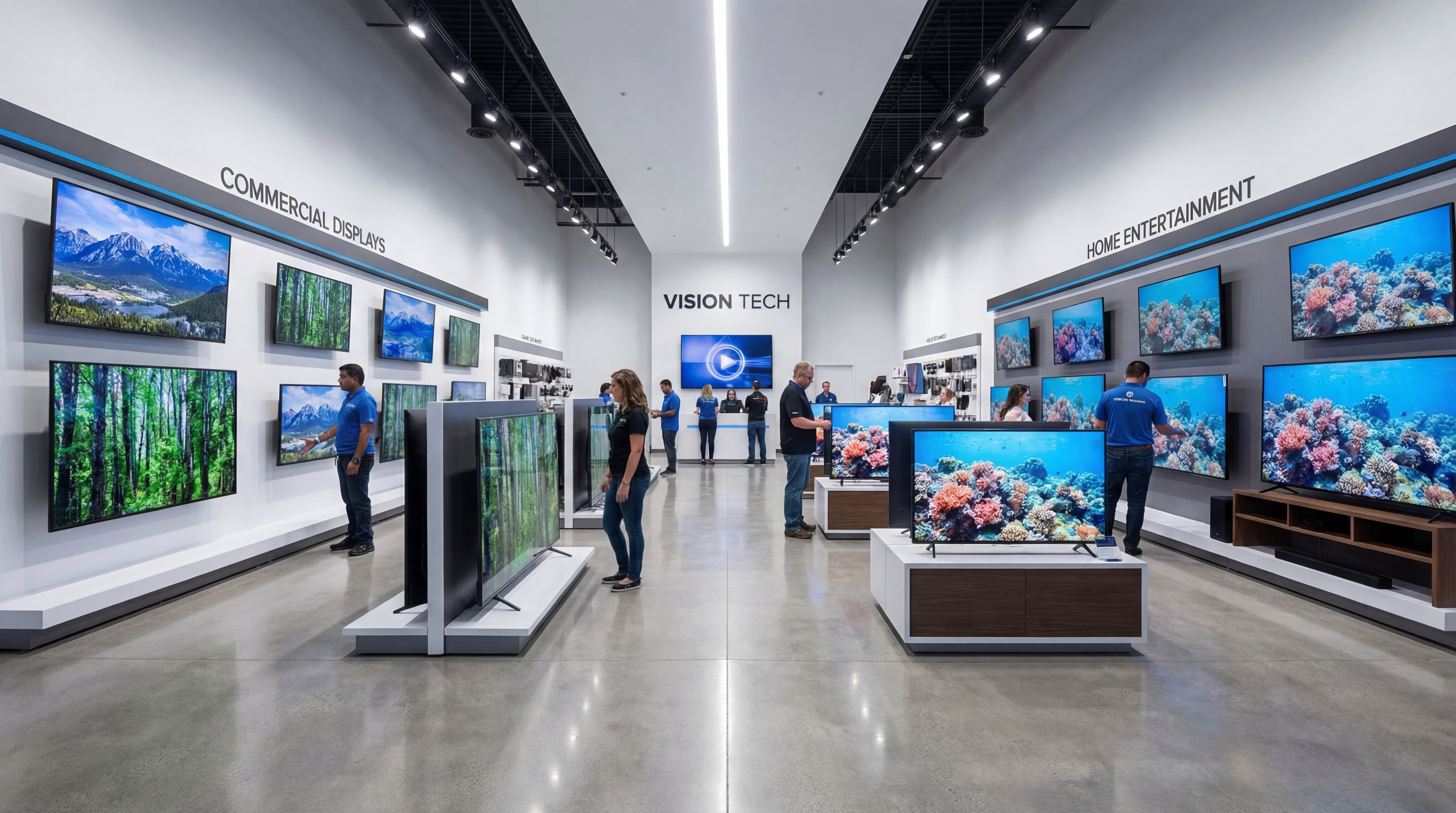
Choosing the right display hardware can make or break your signage deployment. This guide helps you evaluate commercial versus consumer options, understand technology specifications, and make smart purchasing decisions for 2025.
Best Digital Signage Displays: 2025 Selection Guide
When you're planning a digital signage deployment, the display hardware decision feels overwhelming. Should you buy commercial-grade displays or consumer TVs? What brightness rating do you actually need?
Deploy consumer TVs in a 24/7 retail environment, and you'll watch them fail within months. Spec ultra-bright outdoor displays for an indoor lobby, and you've wasted budget on capabilities you'll never use. TelemetryOS helps you build signage applications that work with any display—once you match hardware to actual deployment needs.
Understanding Commercial Displays vs Consumer TVs
The price gap is immediately visible. A 55-inch consumer TV costs $400-$1,500, while commercial displays range from $800-$2,500. That difference makes consumer TVs tempting.
Consumer TVs are engineered for home entertainment with limited operational hours. They're designed for 8-12 hours of daily use, not continuous operation. In 24/7 business environments, consumer screens overheat, cooling fails, and warranties don't cover commercial use.
Commercial displays are built differently from the ground up. Industrial-grade components handle continuous operation. Enhanced cooling systems prevent thermal failure even during extended runtime.
Brightness reveals another critical difference. Consumer TVs deliver 300-400 nits—fine for dim living rooms, nearly invisible in bright retail spaces. Commercial displays start at 500 nits and reach 2,500+ nits for window-facing installations.
Warranty structures complete the picture. Consumer warranties exclude commercial use and require you to ship failed units back at your expense. Commercial warranties include on-site support—technicians come to your location, minimizing downtime.
Portrait orientation is often underestimated. Consumer TV cooling systems are designed exclusively for landscape mounting. Mount one vertically, and you've blocked critical airflow pathways.
Evaluation Criteria for Digital Signage Displays
Start with environment, not specifications. Understanding deployment context prevents both under-specification and wasteful over-specification. The wrong display wastes money either through premature failure or unnecessary capability.
Operating hours determine durability requirements. Deployments under 12 hours daily can consider consumer-grade hardware. 16+ hours requires commercial construction. 24/7 operation demands industrial-grade components with redundant cooling.
Ambient brightness drives display brightness requirements. Indoor offices with controlled lighting work with 300-400 nits. Retail stores with bright lighting need 500-700 nits. Window-facing or outdoor installations require 1,500+ nits to remain visible.
Physical orientation affects cooling and longevity. Consumer displays function reliably in landscape only. Portrait or rotated installations require commercial displays engineered for multi-orientation cooling and component placement.
Environmental conditions matter more than most realize. Temperature extremes, humidity, and dust exposure all affect lifespan. Standard displays operate in 0-40°C with moderate humidity. Harsh environments need sealed housings and expanded operating ranges.
Choosing Display Technology for Your Application
LED and QLED panels dominate commercial deployments—and for good reason. They offer bright, vibrant images with long lifespans at reasonable cost. LED uses traditional backlighting, while QLED adds quantum dot technology for better color.
Mini-LED improves local dimming with smaller, more numerous backlight zones. This delivers better contrast and black levels than standard LED. It's worth considering for high-end retail or entertainment venues where image quality justifies premium pricing.
OLED produces perfect blacks and stunning contrast through self-emissive pixels. But burn-in remains a concern for static signage content. It's beautiful for dynamic content but risky for applications displaying fixed elements like logos or menus.
For most business applications, LED or QLED commercial panels provide the best balance. They deliver reliable performance, good image quality, and predictable lifespan without burn-in concerns. Save specialty technologies for deployments where their specific advantages matter.
Platform Flexibility and Display Compatibility
Your signage platform determines how locked-in you are to specific display types. Many traditional systems tightly couple hardware and software, forcing proprietary ecosystems. This limits your display options and inflates long-term costs.
Modern platforms take a different approach. Hardened player devices drive multiple independent 4K displays simultaneously. This flexibility lets you deploy consumer TVs for budget applications, commercial displays for mission-critical locations, or specialized form factors—all managed through one console.
Bring Your Own Device capability matters too. Organizations with specialized requirements—ultra-wide aspect ratios, curved screens, or ruggedized outdoor housings—can integrate custom hardware directly. You choose displays based on deployment needs, not platform limitations.
Rich I/O connectivity integrates with display control systems and peripherals. RS-232 control, CEC commands, and external sensors let you build applications that adjust brightness based on ambient light. Or power displays according to occupancy detection.
Total Cost of Ownership Analysis
Smart hardware decisions require looking beyond sticker price. A consumer TV that fails after 18 months in 24/7 operation costs more than a commercial display running reliably for five years. Factor in replacement labor, content downtime, and warranty gaps.
Consumer TVs last roughly two years in continuous operation. Commercial displays deliver five-plus years under identical conditions. If your deployment runs 24/7, commercial displays provide dramatically better lifetime value despite higher upfront investment.
Warranty and support costs add up fast. Consumer warranties exclude commercial use and require shipping failed units at your expense. Commercial warranties include on-site service with guaranteed response times. For multi-location deployments, managing consumer TV failures quickly exceeds initial savings.
Environmental fit determines real-world usability. Lower-brightness consumer displays become unusable in bright retail environments or window-facing installations. You'll replace inadequate hardware anyway, wasting both purchase cost and deployment effort.
Portrait-mode requirements seal the decision for many deployments. Consumer TVs weren't designed for vertical orientation and fail faster when mounted that way. Commercial displays handle both orientations reliably from day one.
Recommended Display Selection Strategy
Budget-tier consumer TVs work under specific conditions. Indoor environments with controlled lighting, 12-16 hour daily operation, landscape orientation only. Office hallways and break rooms fit this profile perfectly.
Mid-tier commercial displays are the sweet spot for most business deployments. They handle 24/7 operation, offer adequate brightness for retail and hospitality, support both orientations, and include enterprise warranties. QSR locations, retail stores, hotel lobbies, and healthcare waiting rooms fall here.
Premium commercial displays become necessary when environmental demands exceed mid-tier capabilities. Window-facing displays, outdoor installations, and high-traffic venues like airports require specialized construction. High brightness, sealed housings, and extended temperature ranges justify the premium.
The key insight: your signage platform determines whether hardware selection stays flexible or becomes constraining. Platforms that work with any display type let you optimize each deployment independently. Start with cost-effective hardware for pilots, scale to commercial-grade as proven value justifies investment.
TelemetryOS works reliably with any supported display hardware—from consumer TVs to premium commercial screens. Choose displays based on environment, operating hours, and total cost of ownership. Then deploy applications on a platform that supports that flexibility across your entire screen network.
See TelemetryOS in Action
Explore how leading companies transform their screens