Building Custom Apps for TelemetryOS: A Developer's Guide
Complete developer guide for building custom applications on TelemetryOS platform with SDK tools, code examples, and publishing workflows.
When your digital signage needs go beyond standard templates, building custom applications with the TelemetryOS platform provides unlimited flexibility to create exactly the experiences your organization requires.
Building Custom Apps for TelemetryOS: A Developer's Guide
A healthcare system needs patient wayfinding that integrates with their existing appointment system, displays in multiple languages based on patient demographics, and updates dynamically as appointments change throughout the day. Standard digital signage templates show static directories or require manual updates that lag behind reality. The IT team faces a choice: accept template limitations, or build a custom application.
Building custom signage applications means choosing an architectural approach. Traditional signage platforms use proprietary development environments with platform-specific languages, locking teams into vendor toolchains. The alternative, and the approach TelemetryOS takes, is treating signage apps as standard web applications. Developers use HTML, CSS, JavaScript, React, or Vue. The platform handles the hard infrastructure problems (content distribution, device management, offline operation, fleet deployment) while developers focus on what the app actually does. This distinction matters because web-based approaches let teams hire from the general developer pool rather than hunting for signage platform specialists.
Development Environment and SDK
The TelemetryOS development environment supports modern web application workflows without requiring specialized signage-specific tools. Developers work in their preferred code editors using standard web frameworks, test applications locally in browsers during development, and deploy to TelemetryOS Studio for distribution across signage networks. This approach eliminates learning curves for teams experienced with web development while providing signage-specific capabilities through SDK APIs.
The SDK includes pre-built components for common digital signage functionality: data visualization libraries, content scheduling helpers, device orientation detection, and offline storage management. These components handle routine requirements that otherwise consume development time on infrastructure rather than features. A developer building a retail sales dashboard imports charting components from the SDK rather than implementing visualization from scratch, then focuses effort on business logic for determining which metrics deserve prominence based on store performance patterns.
API integration capabilities let applications connect with external systems through standard REST APIs, WebSocket connections for real-time data, and webhook notifications for event-driven updates. A manufacturing facility builds floor displays that pull production metrics from ERP systems every 30 seconds, automatically flagging performance deviations that require attention. The development team uses standard fetch() calls for data retrieval, with SDK helpers managing authentication, error handling, and offline behavior when network connectivity drops.
Local storage and offline operation support means applications continue functioning during network outages. The SDK provides abstraction layers over browser storage APIs that automatically sync data when connectivity restores. A quick-service restaurant builds menu boards that cache all content locally (promotional images, pricing information, nutritional data), so screens keep running during internet outages that previously left them blank. Content updates deploy automatically when connectivity returns without requiring manual intervention or device restarts.
Building a Real-Time Dashboard
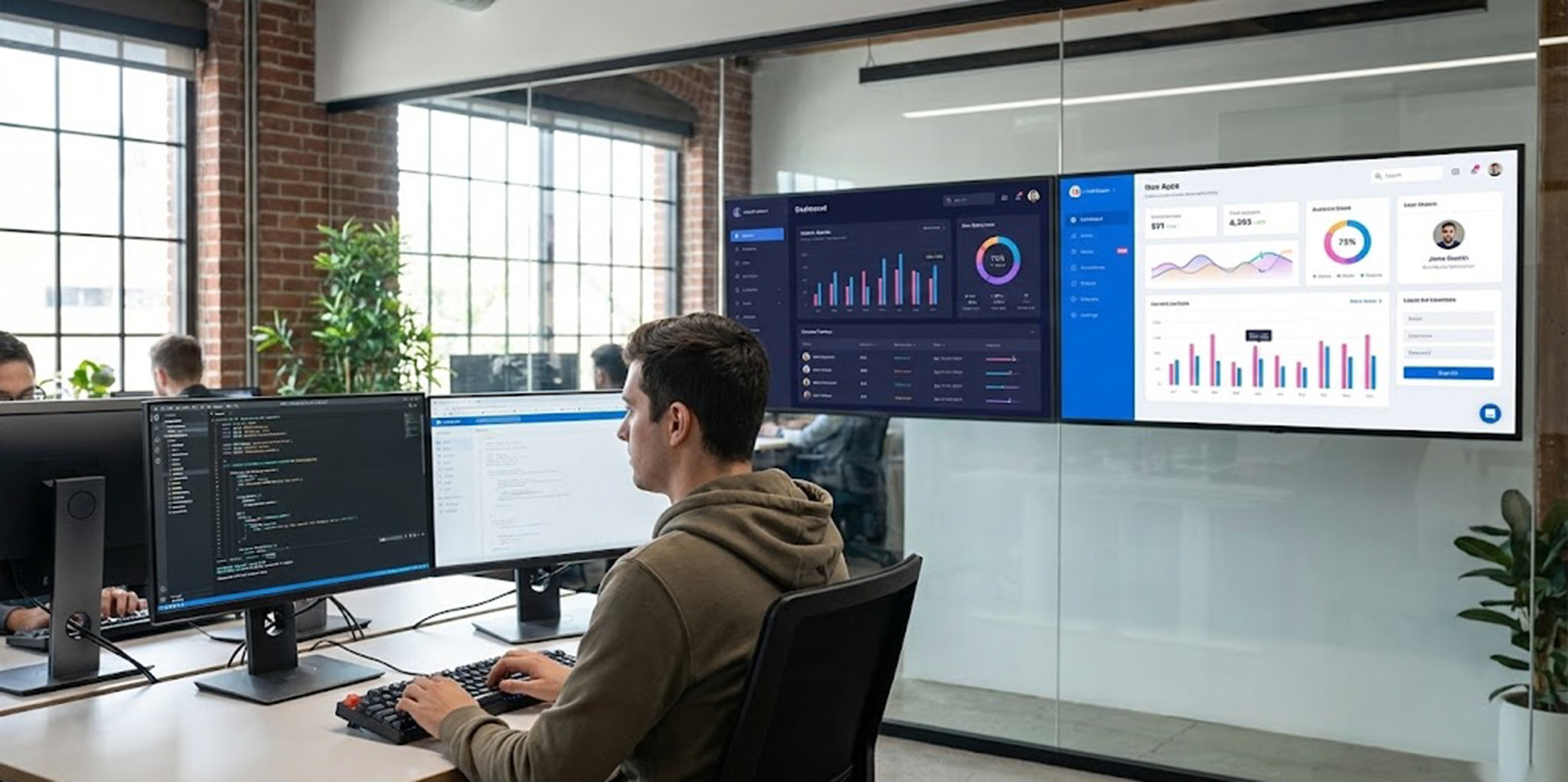
Consider building a corporate office dashboard displaying sales metrics, support ticket status, and team availability across multiple locations. The application needs to update automatically as data changes, adapt layout for different screen sizes and orientations, and continue displaying last-known values during network disruptions. Implementation starts with project scaffolding using create-react-app or similar tooling that generates standard web application structure with development server, build pipeline, and testing framework already configured.
Configuration files specify application metadata including name, version, and description, plus TelemetryOS-specific settings for display requirements, offline support, and security permissions. The manifest declares which external APIs the application accesses, what local storage capacity it requires, and whether it needs access to device sensors or peripherals. This declarative configuration lets TelemetryOS provision appropriate resources and enforce security boundaries without requiring developers to implement infrastructure code.
Data integration implements service layer code that fetches information from business systems. Authentication handling uses OAuth tokens or API keys stored securely in TelemetryOS configuration rather than hardcoded in application source. Error handling and retry logic prevent temporary API failures from crashing the application. Failed requests retry with exponential backoff, and applications continue displaying cached data while waiting for connectivity restoration. A retail chain discovered their custom dashboards remained functional through 15-20 minute network outages that previously rendered displays useless, improving operational visibility during the connectivity problems that most needed monitoring.
Component development builds React components that render dashboard sections. Responsive design using CSS Grid or Flexbox ensures layouts adapt appropriately to different screen sizes. A 55-inch landscape display shows multiple metrics simultaneously in grid layout, while portrait orientation stacks metrics vertically for better visibility. The same application code runs on all displays with CSS handling layout adaptation based on screen dimensions and orientation, eliminating separate development paths for different hardware configurations.
Real-time updates use WebSocket connections or polling mechanisms that refresh data without full page reloads. The dashboard subscribes to data sources and updates components as new information arrives. Update frequency balances freshness against bandwidth consumption: system status checks every 10 seconds, while less time-sensitive information like daily sales totals refreshes every few minutes. A healthcare facility built nursing station displays that show patient call status with 2-second updates, so staff see requests immediately while historical patient data refreshes only when screens first load each shift.
A few common mistakes surface repeatedly in dashboard projects. Developers design layouts on desktop monitors at arm's length, then discover the dashboard is unreadable on a 55-inch display viewed from 15 feet across a room. Font sizes that look reasonable during development need to be 3-4x larger for distance viewing. Another frequent issue: treating the dashboard like a website that users interact with. Signage dashboards are ambient. Nobody clicks them. Designs that require interaction to reveal information fail in this context. And the most subtle problem: fetching data too aggressively. A dashboard polling five APIs every second across 200 displays generates traffic patterns that backend teams don't expect and may not appreciate.
Testing and Deployment
Testing during development uses browser developer tools and localhost preview servers that provide immediate feedback. Applications run in Chrome or Firefox during development with full access to browser debugging tools including console logging, network traffic inspection, and performance profiling. Integration testing validates API connections, error handling, and offline behavior by throttling network connections or injecting error responses that simulate production failure scenarios.
Performance optimization addresses the specific requirements of large-screen, continuously-running applications. Memory leak prevention is critical for apps that run for days or weeks without restart. Proper component cleanup, event listener removal, and careful management of timers prevents gradual memory accumulation that crashes applications after extended operation. A corporate communications team identified memory leaks in their custom announcement display that caused crashes every 3-4 days. After implementing proper cleanup in React component unmount handlers, applications ran continuously for months without restart.
Deployment preparation involves building production bundles with optimizations including code minification, dead code elimination, and asset optimization that reduce initial load time and bandwidth consumption. The TelemetryOS deployment system distributes these optimized bundles to target devices across the network. Version management uses semantic versioning to communicate update nature. Administrators can target specific versions to device groups, allowing gradual rollout that tests updates on non-critical displays before broader deployment.
Publishing workflow includes security validation that checks applications for necessary permissions and data handling best practices. Automated scanning identifies potential vulnerabilities like exposed credentials, unvalidated user input, or insecure API connections. Compatibility testing verifies applications function correctly across different Node Pro hardware revisions, display resolutions, and TelemetryOS platform versions. This testing catches problems before they reach production environments.
Monitoring and analytics provide ongoing insights after deployment. TelemetryOS tracks application performance metrics including load times, error rates, and resource consumption. Custom analytics integration lets teams track application-specific metrics. For a wayfinding application, this might include search queries, directional requests, and destination popularity. A university discovered their campus wayfinding application received 3x more usage than expected during orientation periods, which informed infrastructure scaling decisions and content prioritization.
Advanced Capabilities and Patterns
Hardware integration lets applications interact with physical devices through SDK interfaces. MQTT support allows signage applications to communicate with IoT sensors and building automation systems. A manufacturing floor display subscribes to machine status MQTT topics, automatically flagging production lines experiencing issues and providing real-time visibility into shop floor operations. Serial communication support covers integration with specialized hardware including badge readers, environmental sensors, and industrial equipment that lack network connectivity.
Multi-screen coordination synchronizes content across multiple displays for video wall installations or coordinated messaging. Applications use SDK coordination APIs that handle clock synchronization, content scheduling alignment, and state sharing across devices. A retail flagship store built video wall experiences spanning six displays with content split across screens, using coordination APIs to ensure frame-perfect synchronization rather than six independent applications showing similar but misaligned content.
Progressive enhancement strategies ensure applications work across varying capability levels while taking advantage of advanced features where available. Core functionality works on all supported hardware, while enhanced visualizations or interactive features activate on more capable devices. A corporate dashboard provides text and simple charts on basic displays, but enables 3D data visualizations and video backgrounds when running on higher-performance players. This approach maximizes deployment flexibility while optimizing user experience based on available hardware.
What Custom Apps Can't Do (Yet)
Custom apps on TelemetryOS run in a browser-based runtime, which means they inherit browser limitations. Heavy computation (real-time video processing, complex 3D rendering, machine learning inference) hits performance walls on the embedded hardware that powers most signage players. Applications that need native OS access, direct GPU control, or low-level hardware communication beyond what the SDK exposes may need different approaches.
The development experience, while based on familiar web technologies, still has a feedback loop problem. Testing on actual display hardware reveals issues (font rendering differences, performance under sustained load, orientation-specific layout bugs) that browser testing on a laptop misses. Teams that don't test on real hardware before fleet deployment discover these issues in production, which is more expensive and more visible.
Multi-screen coordination works well for synchronized content, but complex video wall scenarios with pixel-perfect alignment across bezels remain challenging. The SDK handles timing and state synchronization, but physical display alignment and bezel compensation still require manual calibration that software can't fully automate.
And a practical limitation: the ecosystem of pre-built signage components is still smaller than mature web ecosystems. Teams accustomed to grabbing polished React component libraries off npm may find fewer signage-specific options. Building common UI patterns (countdown timers, scrolling tickers, weather widgets) from scratch is straightforward for experienced developers but adds development time that pre-built components would eliminate.
The approach works best for organizations with development teams comfortable building and maintaining web applications. For teams without that capacity, template-based signage platforms that require no code remain more practical, even with their limitations.
See TelemetryOS in Action
Explore how leading companies transform their screens